


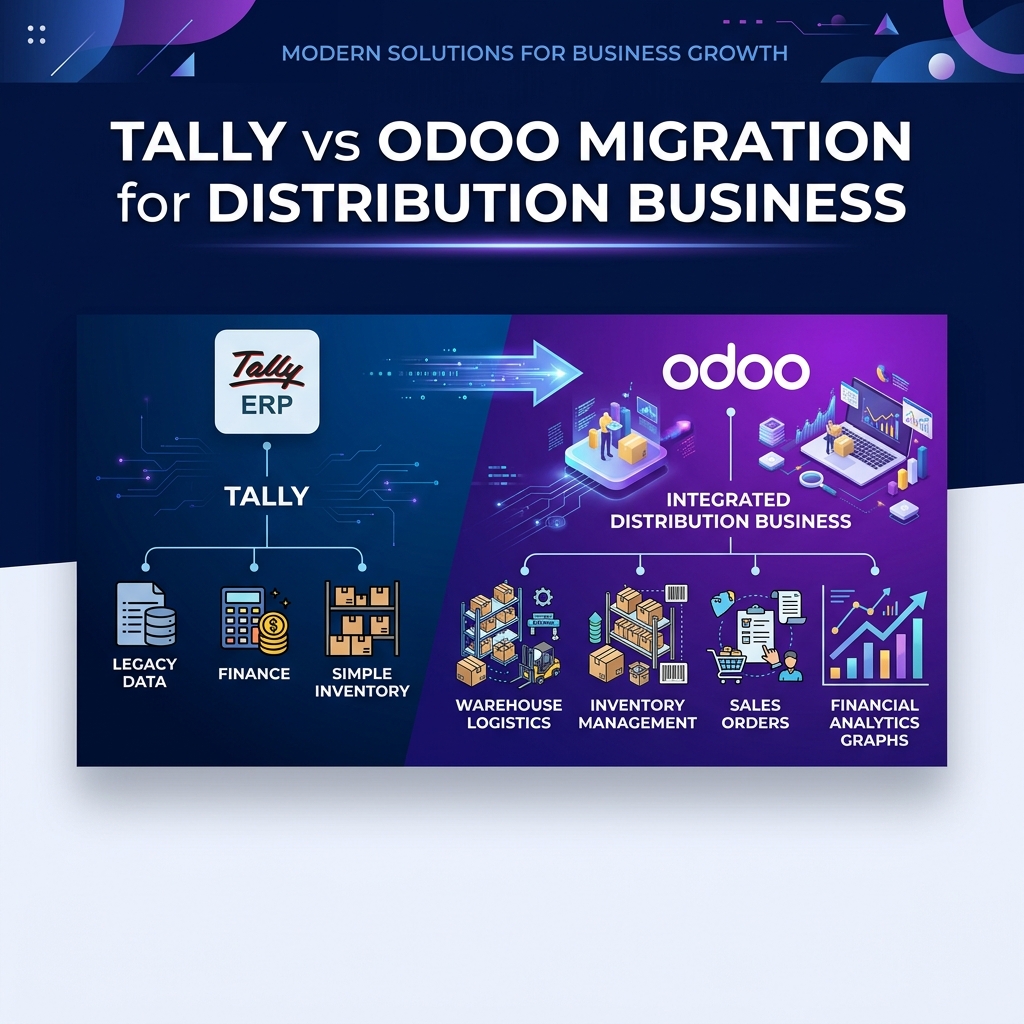
For many Indian distribution businesses, Tally has been the backbone of accounting for years. It handles financial transactions, taxation, invoicing, and reporting effectively.
But as a distribution business grows, accounting is only one part of the operation. Sales teams need real-time order information. Purchase teams need better supplier visibility. Warehouse teams need accurate stock information. Management needs to understand margins, outstanding payments, inventory movement, and business performance without waiting for separate reports.
This is where moving from Tally to Odoo can become a significant operational change. The important question is not simply, “Can Odoo replace Tally?” The better question is:
“What changes in the way the business actually works after moving to Odoo?”
Tally is commonly used as a specialized financial and accounting system. Odoo takes a broader approach by connecting multiple business functions within one unified platform.
A growing distribution company can manage areas such as:
Information flows seamlessly across departments without duplicate manual data entries:
For a distribution business, inventory is often one of the most important operational assets. With a traditional accounting-focused setup, stock information may be maintained separately or used mainly for accounting valuation and basic inventory tracking.
Odoo connects inventory directly with sales and purchase operations in real time. For example:
In a growing distribution company, salespeople often need quick answers to customer queries while on the field or call:
When business data is fragmented across accounting software, spreadsheets, emails, and messaging apps, answering these questions takes valuable hours. With Odoo, sales reps gain immediate mobile and web access to stock and customer account status.
Distribution businesses frequently manage thousands of SKUs and dozens of suppliers. A disconnected purchase process frequently leads to overstocking, stock shortages, delayed reorders, and manual follow-ups.
Odoo links purchasing directly to live sales velocity and inventory thresholds. When stock levels fall below defined reorder points, automated replenishment rules generate Draft Purchase Orders for procurement team review, enforcing approval workflows before supplier dispatch.
As order volume increases, warehouse control determines delivery speed and inventory accuracy. Odoo supports double-entry inventory tracking across structured warehouse operations:
For businesses operating multiple distribution hubs, branch stores, or fulfillment centers, Odoo provides real-time visibility into exact bin locations, serial numbers, batch numbers, and expiry dates.
One of the biggest advantages of an integrated ERP is linking operational actions directly to commercial metrics. In Odoo, a single 360-degree customer profile aggregates:
Focuses primarily on ledger accounting, credit limits, tax entries, and historical ledger balances created after billing.
Links quotations, confirmed sales orders, active deliveries, outstanding invoices, payments, and credit risk in one dashboard.
Traditional accounting software provides periodic financial reports. Odoo provides live operational analytics tailored to leadership roles:
Migration does not mean copying thousands of old historical journal entries into the new ERP. A structured migration strategy focuses on master data hygiene and clean cut-off balances:
Technology alone does not transform a business; human adoption does. Moving to Odoo evolves employee roles:
| Role | Before (Tally / Spreadsheets) | After (Integrated Odoo ERP) |
|---|---|---|
| Sales Rep | Calls warehouse manually to check stock availability | Checks real-time stock on Odoo mobile app & raises digital SO |
| Warehouse Staff | Relies on verbal notes or printed paper lists | Executes barcode picking & digital delivery validation |
| Accountant | Re-enters sales invoices manually into accounting book | Reviews automatically generated invoice entries from deliveries |
| Management | Waits for weekend spreadsheet consolidation | Views live business performance dashboards anytime |
Not necessarily. If a small business only requires basic accounting and GST filing, Tally continues to serve effectively. However, when operational complexity outgrows accounting tools—manifested by stock discrepancies, communication delays between sales and warehouse teams, and multi-location logistics—transitioning to Odoo yields significant return on investment.
Looking for custom ERP development or Odoo integration in Chennai OMR & across India?
Explore ERP Services